Bulk discounts
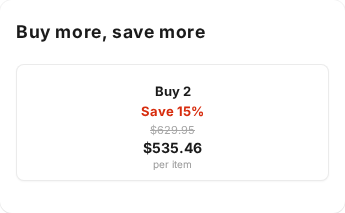
Bulk offers reward buying more: “Buy 2 → 10% off, Buy 3 → 15% off”. The tiers appear as tappable tiles right on the product page, and the discount applies automatically at checkout.
Creating a bulk offer
Section titled “Creating a bulk offer”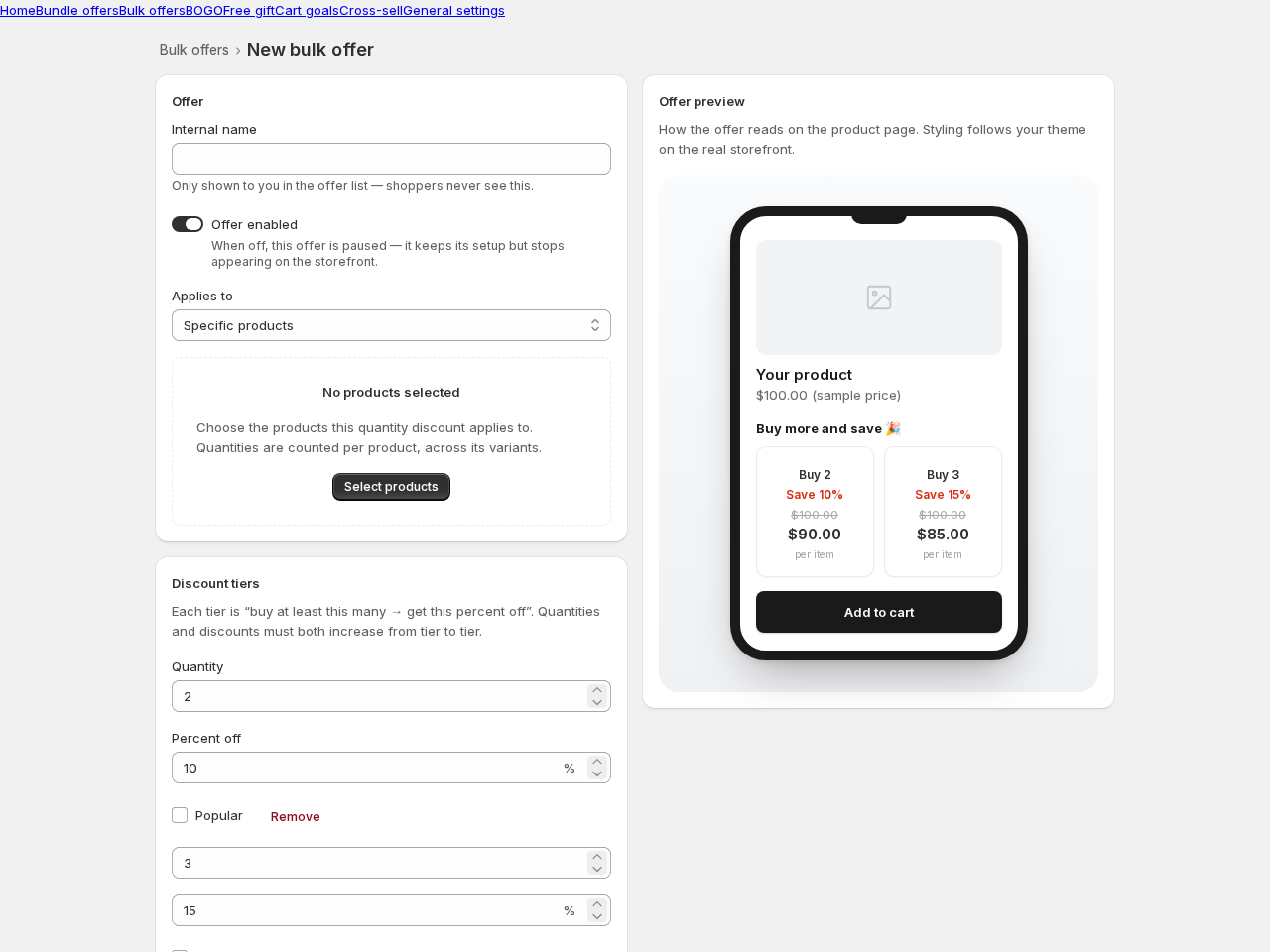
- Go to Bulk offers → Create offer and pick a template.
- Choose what the offer applies to:
- Specific products — quantities count per product, across its variants.
- A collection — any mix of products from the collection counts toward the tiers, and every matching item gets the discount.
- A product tag — same as collections, but by tag.
- Set up your tiers. Each tier is “buy at least this many → get this percent off”. Quantities and discounts must both increase from tier to tier. Mark one tier as Popular to highlight it.
- Optionally set a custom title and subtitle, then Save.
Good to know
Section titled “Good to know”- A product can only be in one enabled bulk offer — Upselly checks at selection time.
- The widget shows per-item prices for each tier, so shoppers see exactly what they’d pay.
- Prices in the widget follow the shopper’s currency and language automatically.