Cross-sell
Cross-sell shows companion products on product pages — “frequently bought together”. Upselly can generate these automatically from your order history, follow your hand-picked rules, or blend both.
Automatic recommendations
Section titled “Automatic recommendations”On by default (General settings → Recommendations): Upselly studies your order history and suggests products often bought together. No setup needed.
Manual rules
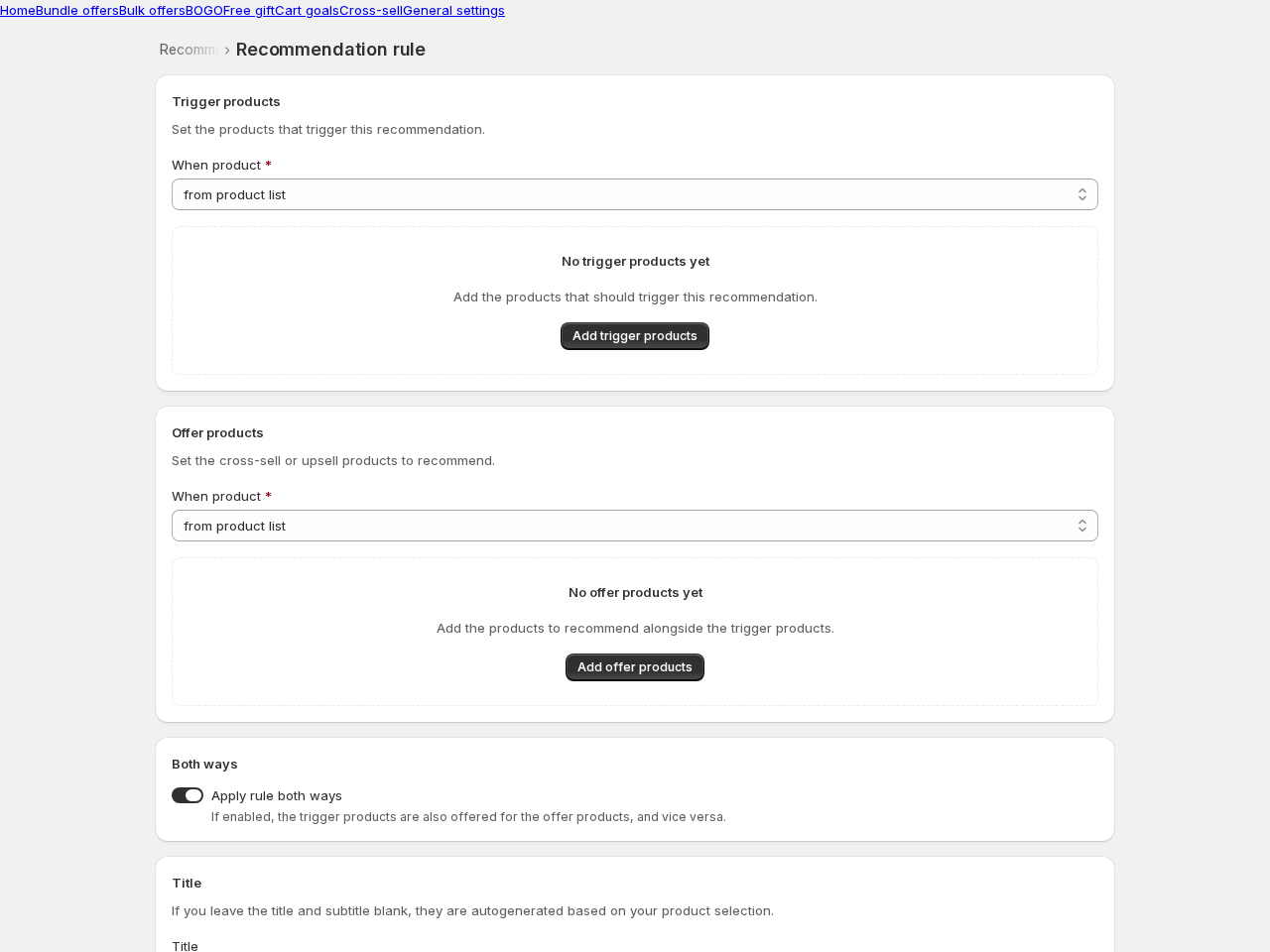
Section titled “Manual rules”For full control, create rules under Cross-sell → Add recommendation:
- Pick a template or build a custom rule.
- Trigger products — which pages show the recommendation. Match specific products, a tag, a vendor, a product type, or all products.
- Offer products — what gets recommended.
- Optionally apply the rule both ways: trigger products get offered on the offer products’ pages too.
Widget text and design
Section titled “Widget text and design”The widget’s heading, button text, colors and layout live under Settings → Product page widget — one place, applied everywhere. Each rule can override the title/subtitle for its own pages.
Good to know
Section titled “Good to know”- Exclude products from ever being recommended under General settings → Recommendation exclusions.
- Rule titles and subtitles can be translated per language — see Translations.